 ExploreZone
For the team
The daily routine
A short checklist for each role, and how to read the Overview screen.
The Overview #
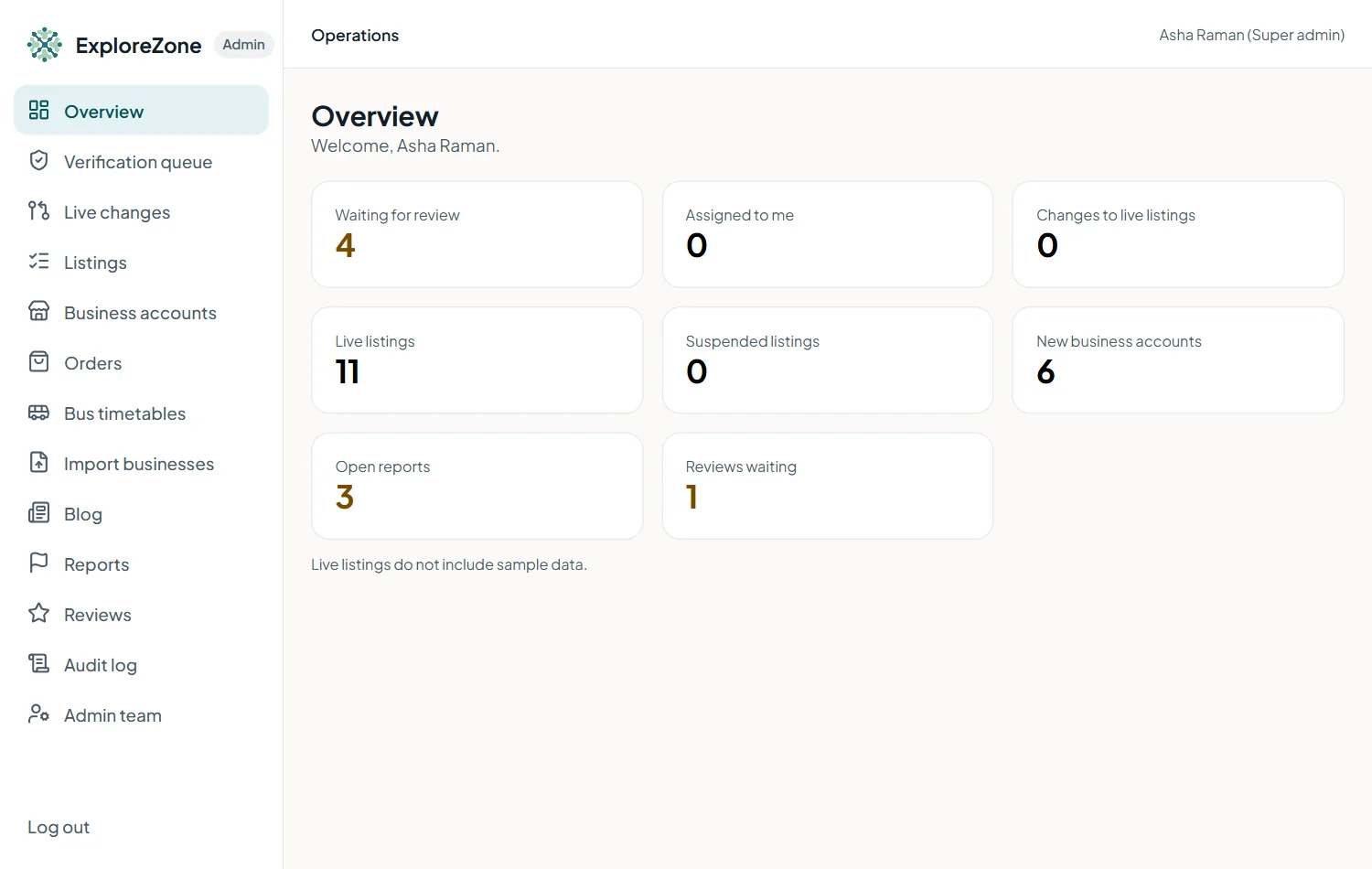
The Overview shows what needs attention: cases waiting for review, changes waiting for approval, open reports, and orders.
Field verifier: every day #
- Open Verification queue. Work from the oldest case.
- Check Reports and take any new ones.
- Look at Live changes if you also have that permission.
Support agent: every day #
- Check Orders for orders stuck without an answer or with a problem. Ask an admin to intervene if needed.
- Look up a business or customer when someone writes in. Use Business accounts and Listings.
Admin: every day #
- Everything above, as needed.
- Ordering approvals: approve new businesses for ordering after checking their licence.
- Reviews: release reviews that were held for links or phone numbers.
- Publish new bus timetables you have checked, and mark existing ones as checked.
- Write or update a blog article when you have one ready.
Once a week #
- Look at the Audit log for anything unexpected.
- Check the oldest open cases and reports: nothing should wait more than a few days.
- Check that the server backups ran (see Operations).
Last updated 2026-11-15. Something unclear or out of date? Write to [email protected] or call 6383281461.