 ExploreZone
For businesses
Create your account and your first business
Log in to the business portal, set up your business account and add your first business.
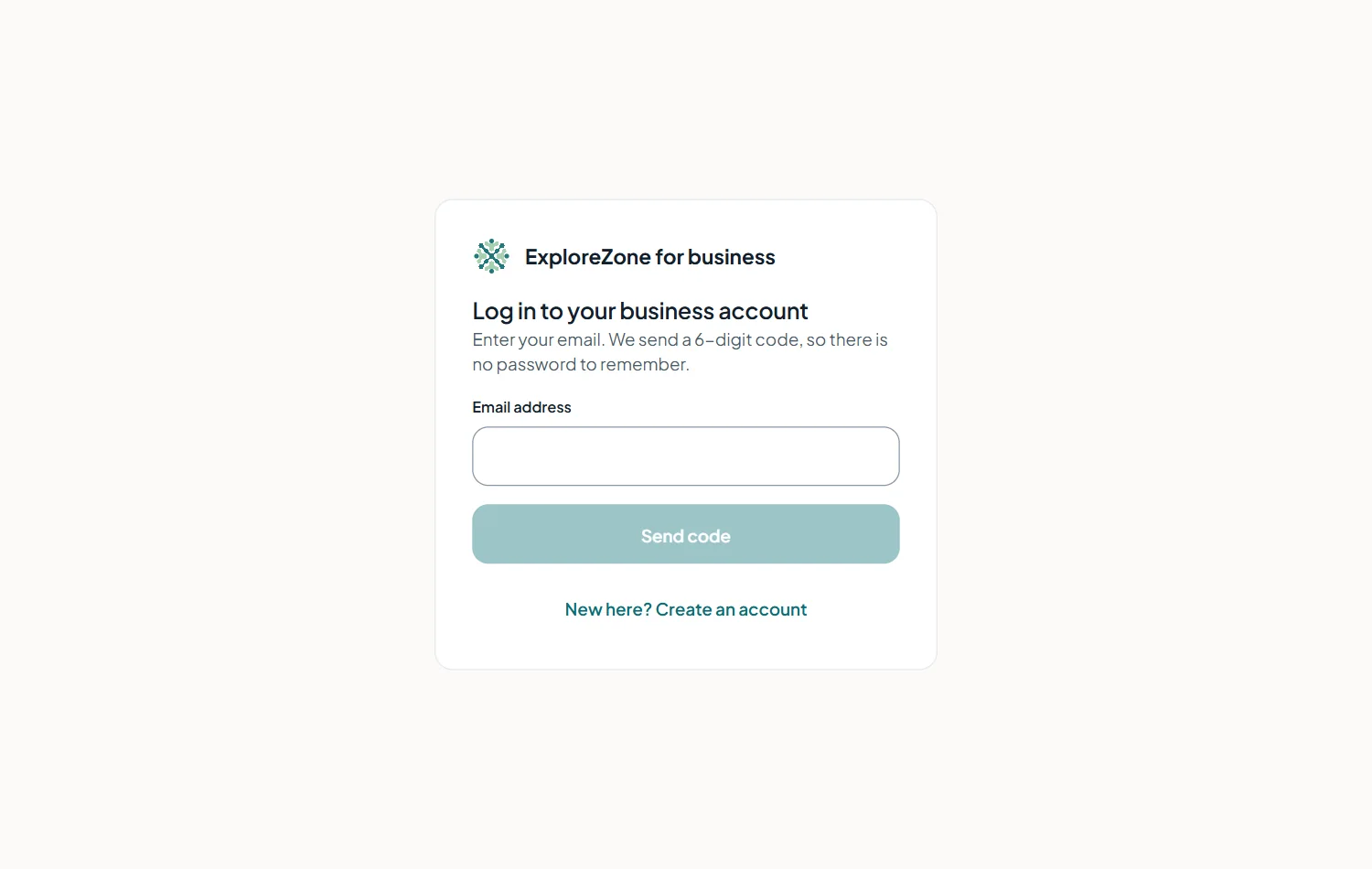
Log in #
- Open the business portal (the address is on the ExploreZone website under For businesses, Business login).
- Type your email address and press Send code.
- Open your email and type the 6-digit code. It works for 5 minutes.
Set up your business account #
The first time you log in, you are asked for:
- Business name: the name you trade under.
- Phone number: how customers and our team can reach you.
- What kind of business you are: tick one or more: shop, eatery or service; seafood seller; bike or scooter rental; homestay or hotel; cab or taxi driver; local guide or tour.
Press Create. You are now the owner of the account. The Today page is your starting point.
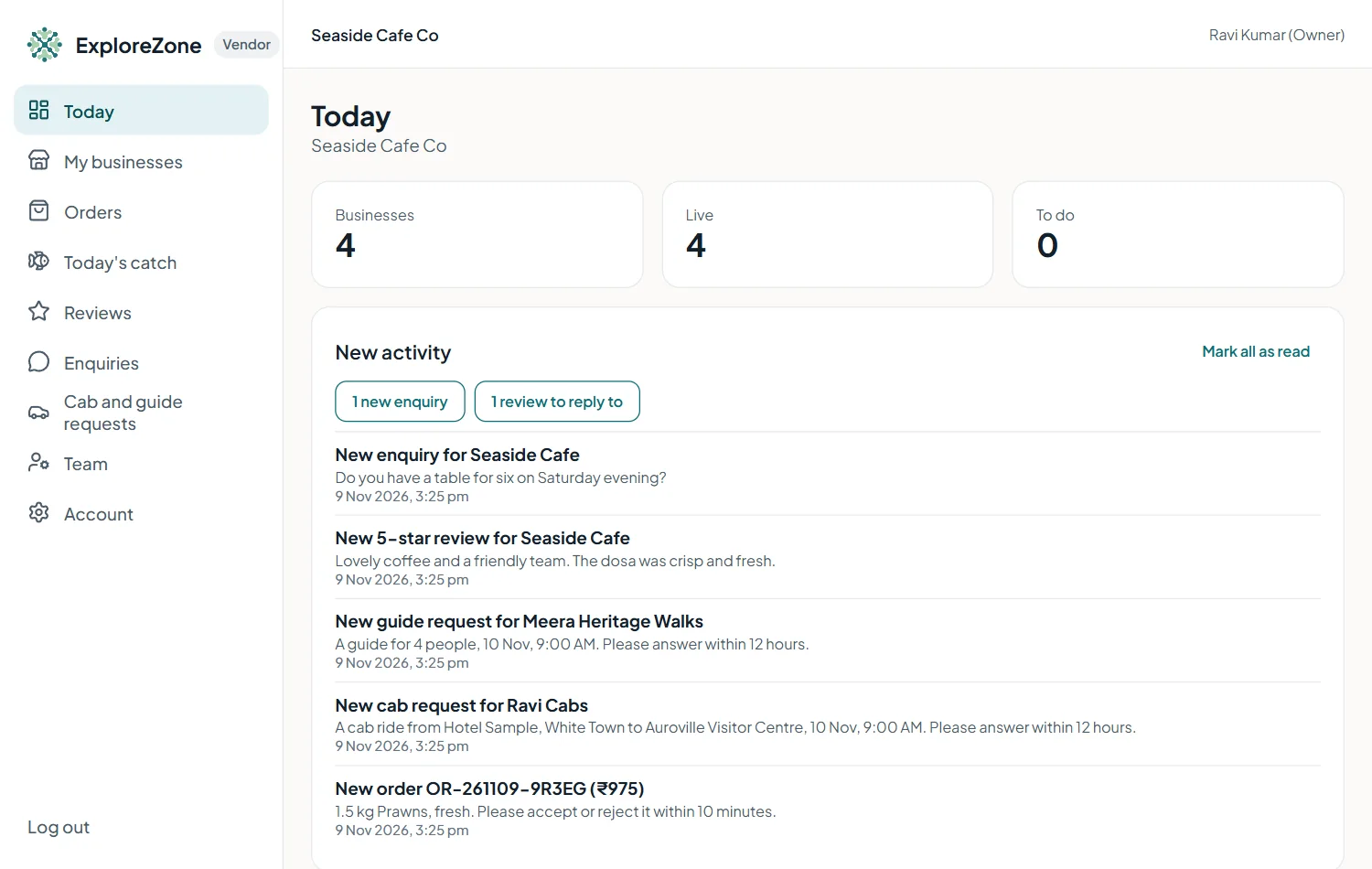
Add a business #
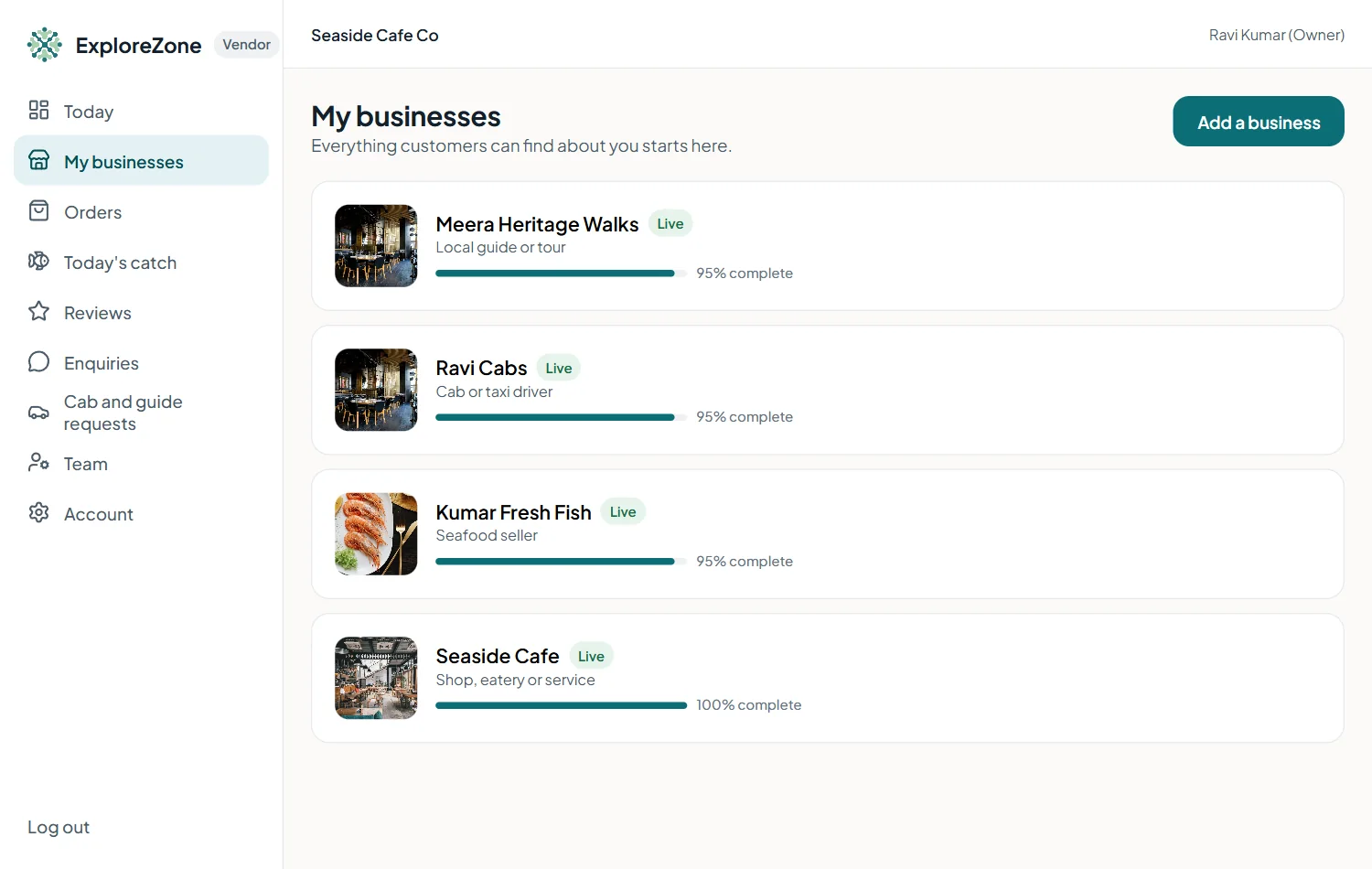
- Open My businesses and press Add a business.
- Choose the type of business.
- Type the name as customers know it.
- Choose a category, for example Restaurants & cafes.
- Paste the location: coordinates like
11.9341, 79.8337, or a Google Maps link. The place must be inside the area ExploreZone covers. - Press Create. You land in the editor with a checklist.
One account can have several businesses, for example a café and a bakery.
Last updated 2026-11-15. Something unclear or out of date? Write to [email protected] or call 6383281461.