 ExploreZone
Set up delivery zones and fees
Choose the pincodes you deliver to, set the fee and minimum order, and deliver orders yourself.
How delivery works #
You deliver with your own riders. ExploreZone does not send drivers. You decide where you deliver and what you charge. Customers see the fee before they order.
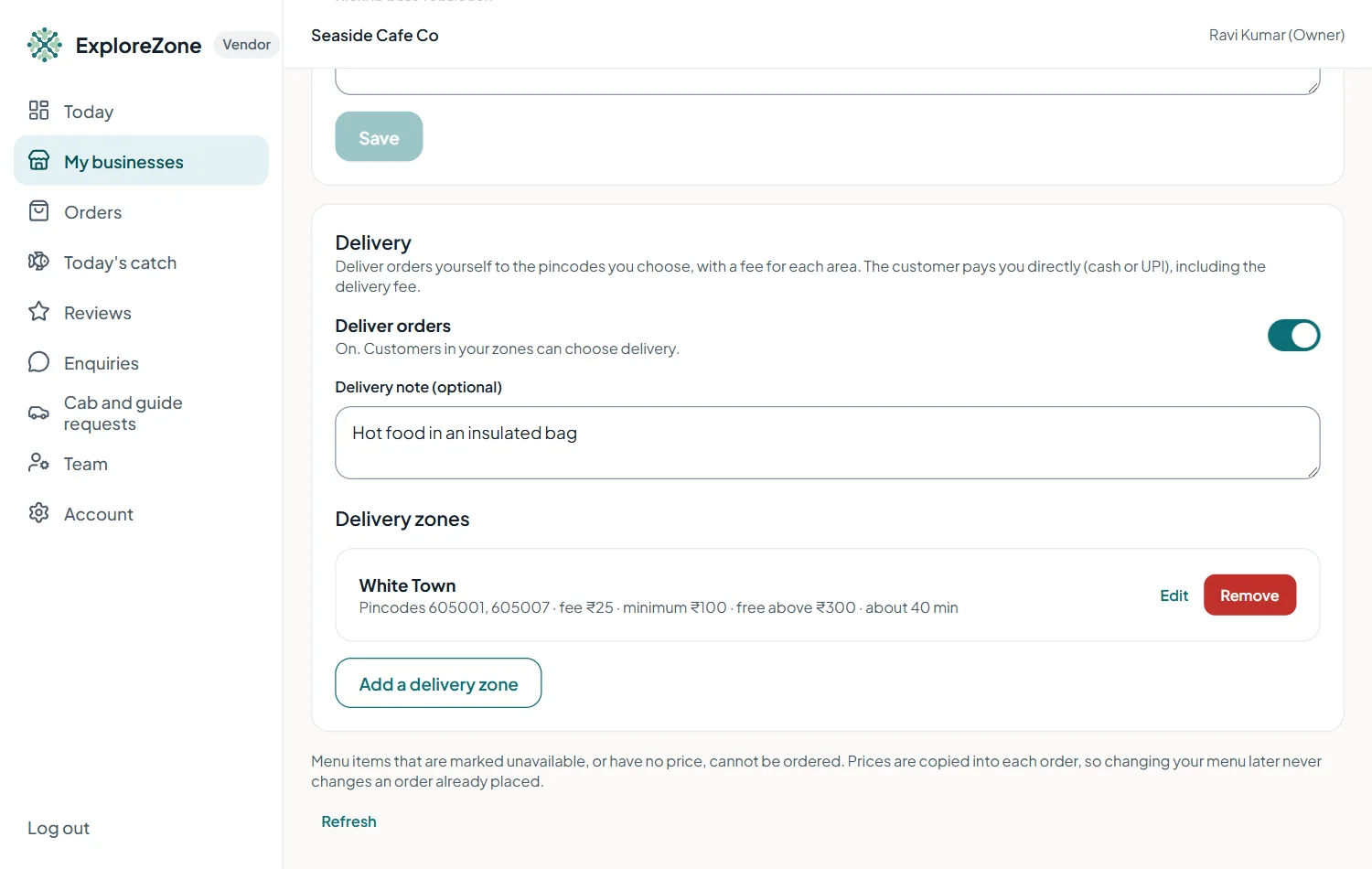
Add a delivery zone #
- Open your business, then the Ordering tab, then Add a delivery zone.
- Give the zone a name, for example White Town.
- Enter the pincodes it covers, separated by commas. Each pincode has 6 digits.
- Set the delivery fee in rupees.
- Optional: a minimum order, a free above amount, and the usual delivery minutes.
- Press Add zone.
A pincode can be in only one active zone of your business.
Switch delivery on #
When you have at least one zone, switch Deliver orders on. Customers then see Order for pickup or delivery on your page. Add a delivery note if you like, for example "Hot food in an insulated bag".
Delivering an order #
A delivery order has one extra step. After preparing, press Out for delivery. The customer gives the 6-digit code to your rider at the door, and you press Hand over and type it. The street address is shown only after you accept the order.
Last updated 2026-11-15. Something unclear or out of date? Write to [email protected] or call 6383281461.